Get the latest data from a connected user's account information by fetching the most up-to-date data for the consent. This feature is only available for Stored Data customers.
Atto APIs and Atto Dashboard allow data refreshes of consents to update stored account, balance, and transaction data.
To refresh a consent via our APIs:
Get an access token for Stored Data API using the Authorization API (scope should be
api:stored_data).Send a POST request using the refresh endpoint along with the consent ID at:
https://uk.api.atto.co/stored-data/v1/consents/{consentId}/refresh
{
  "statusCode": 200,
  "message": "Successfully completed data refresh"
}
{
"statusCode": 403,
"message": "The consent or account access has been revoked"
}{
"statusCode": 409,
"message": "A refresh is already in progress for this consent"
}To refresh a consent via Atto Dashboard:
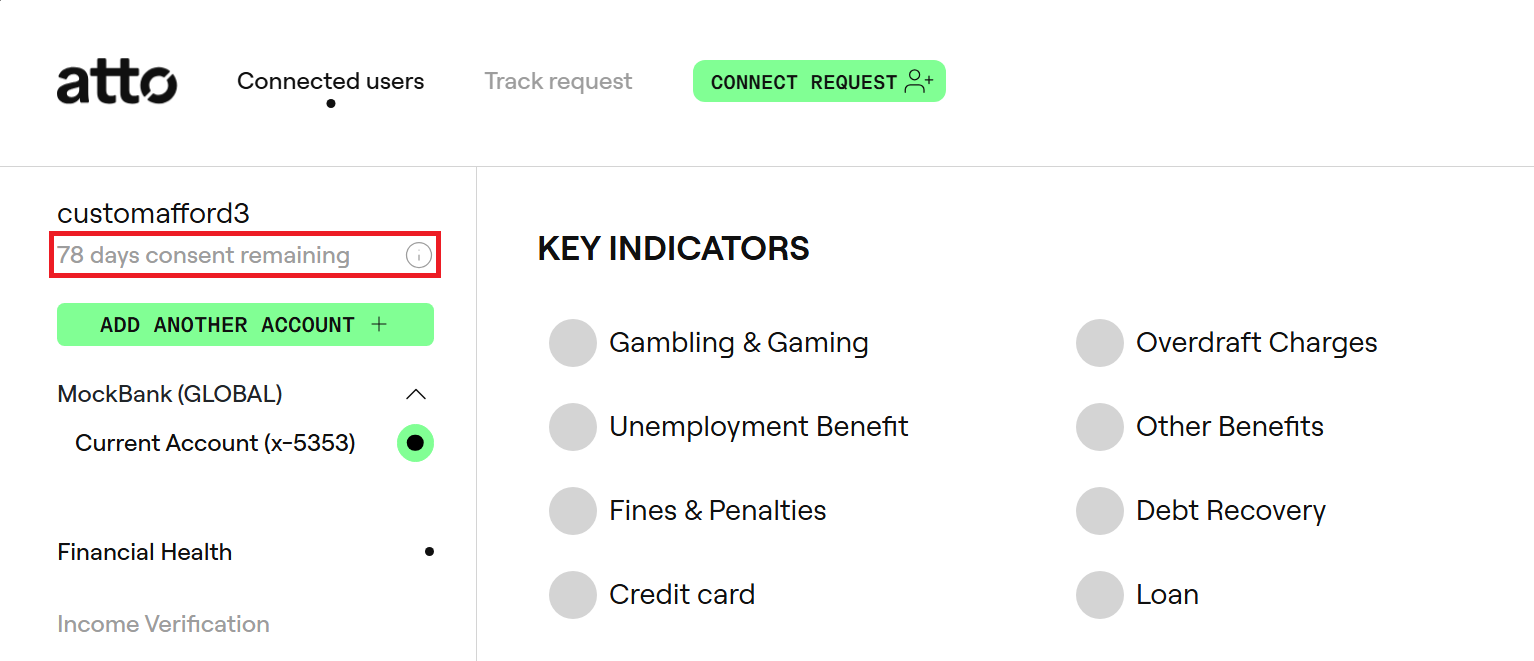
Navigate to the user whose data you would like to refresh.
Click on the button under customer's name with the consent status information.
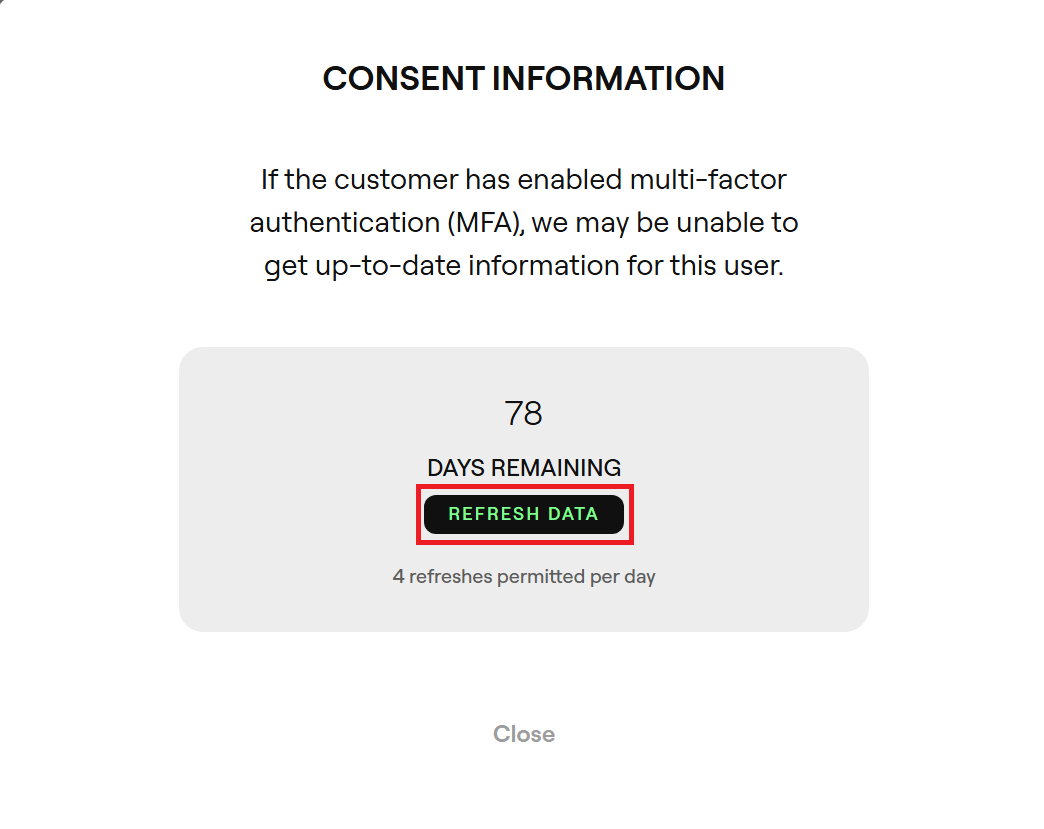
- Click on
Refresh Databutton in the pop-up consent information dialogue.
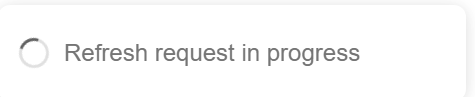
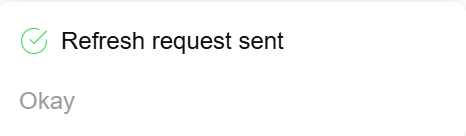
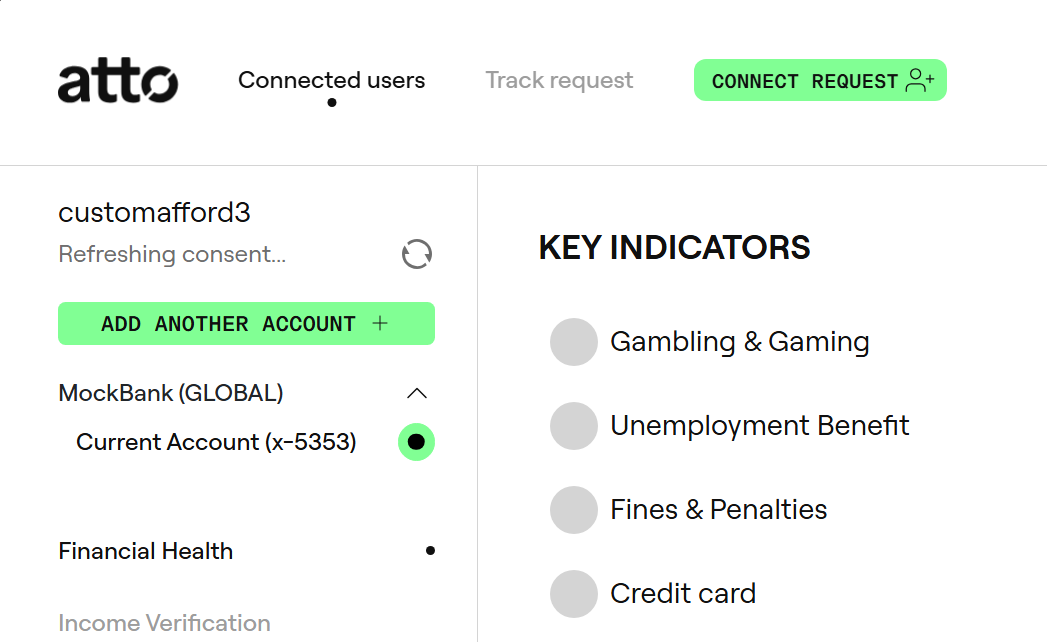
- The consent refresh request is now triggered and the consent status should change to
Refreshing consent...while an up-to-date copy of data is retrieved and saved. Once successful, the consent status should revert back to display the consent expiry information.
Note: If the customer has enabled multi-factor authentication (MFA), we may be unable to get up-to-date information for the user.
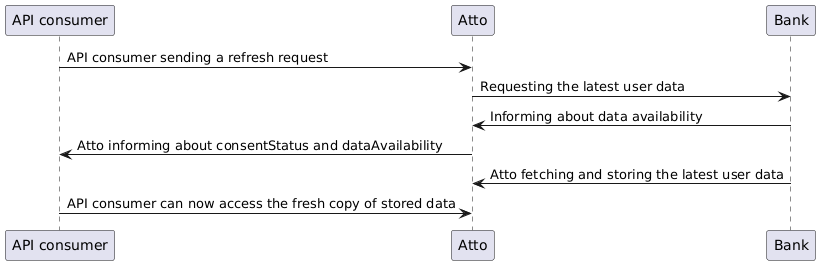
Since refresh requests are quite data-intensive and may take several seconds to complete, it is recommended to stagger batch refresh requests according to our api rate limits.
We advise sending no more than 30 refresh requests over a 60 second period for smooth processing.
To keep it consistent across banks, only certain data is refreshed.
- Account details with the exception of party data is always refreshed.
- Balances are always refreshed.
- Transactions are aggregated i.e. new data is merged with old data based on
transactionIdif that is present otherwise it is done using date of the transaction. - Any other data is not refreshed and will be kept from the initial connection.
Please note that only 4 refreshes per consent are allowed in a 24 hour period.