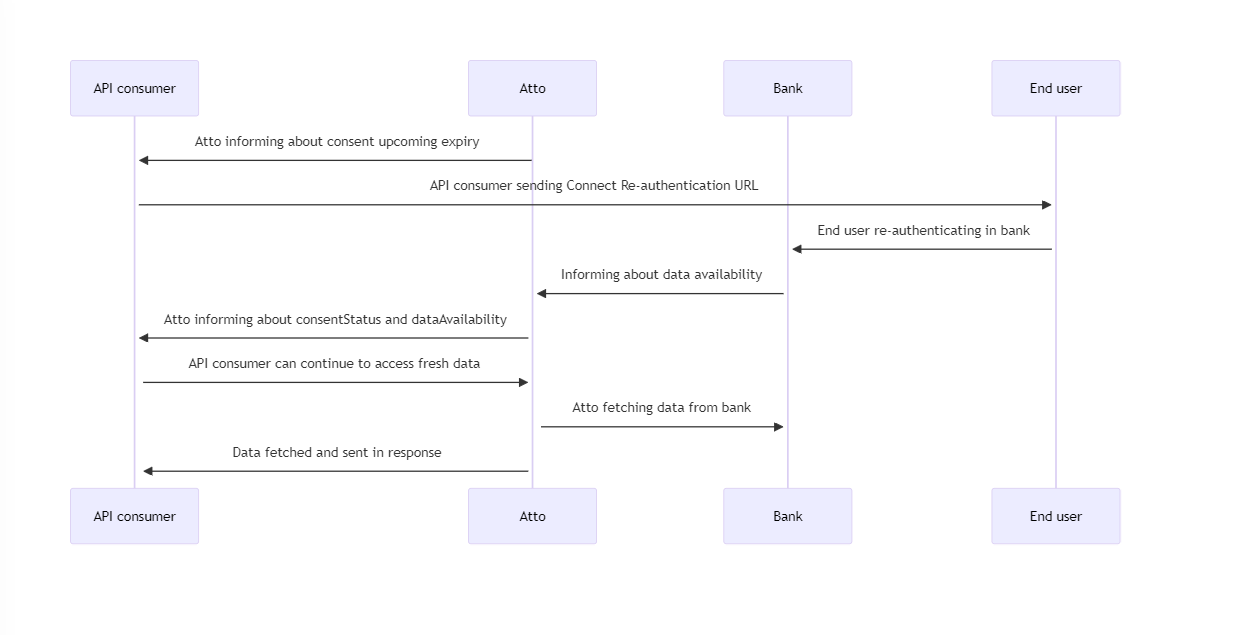
Atto Connect allows re-authentication of consents to extend the lifetime of the consent. This flow can be started when a consent is about to expire, is expired or revoked.
Atto provides both Webhooks and Email notification V2 to notify of upcoming consent expirations, each of which can be configured for how many days prior to consent expiration they should be triggered.
To re-authenticate a consent:
Get an access token for Consent API using the Authorization API (Scope should be
api:consent).Append the consent ID that needs to be re-authenticated as query parameter and add the access token as a fragment to the Atto Connect url. eg:
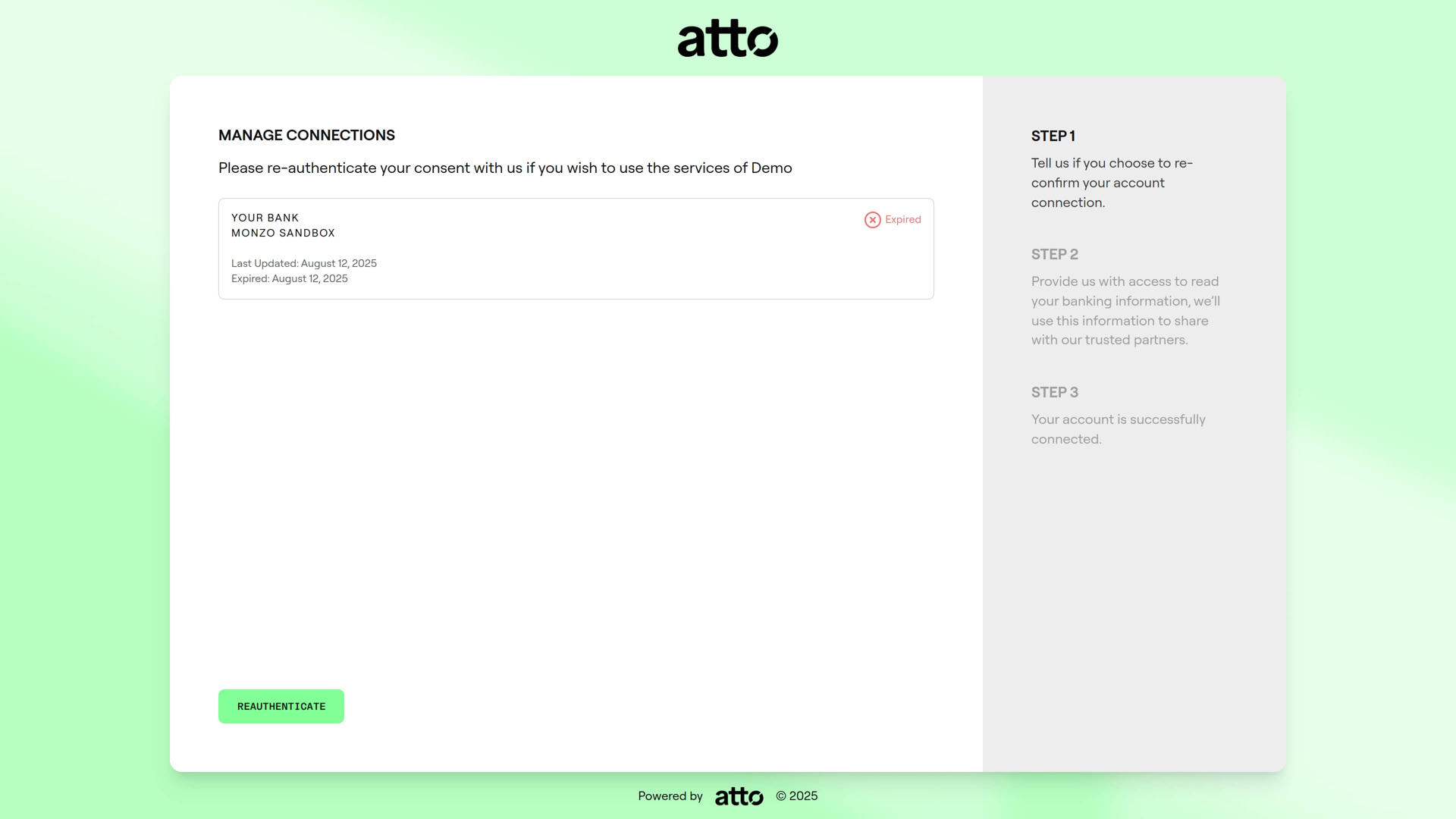
https://connect.atto.co?consent_id=<ConsentID>#access_token=<AccessToken>and send it to the end user.User will be prompted to confirm the details of re-authenticating their access:
Note: api:consent Access Token validity period is about 1 hour. Attaching Reauthentication URL straight to the email would not end up with good user experience as URL would not be usable after 1 hour. Recommended approach is to redirect end user to your page, where end user can continue with Reauthentication and new Access Token can be requested.
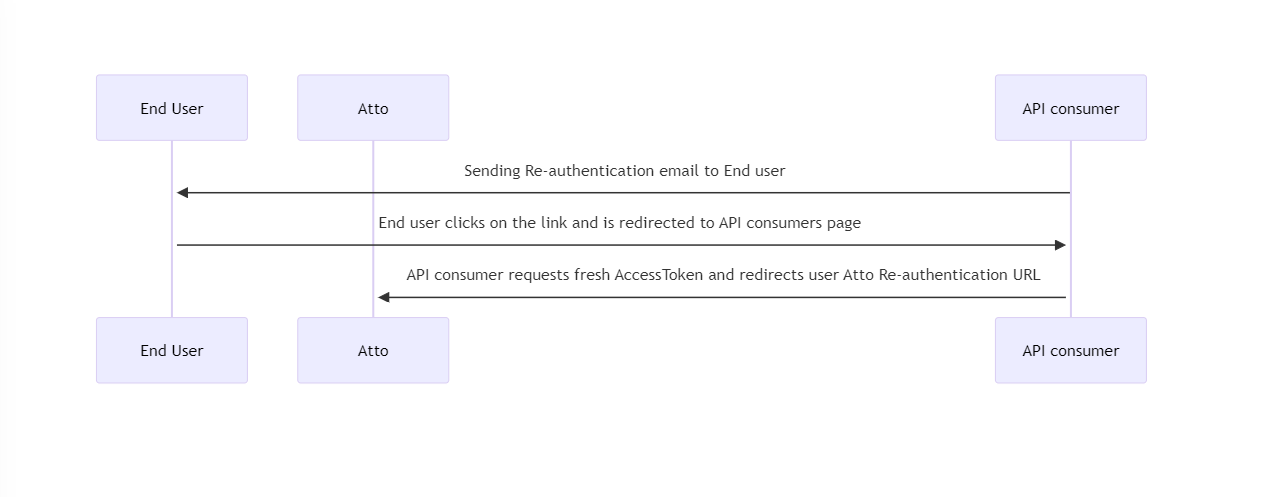
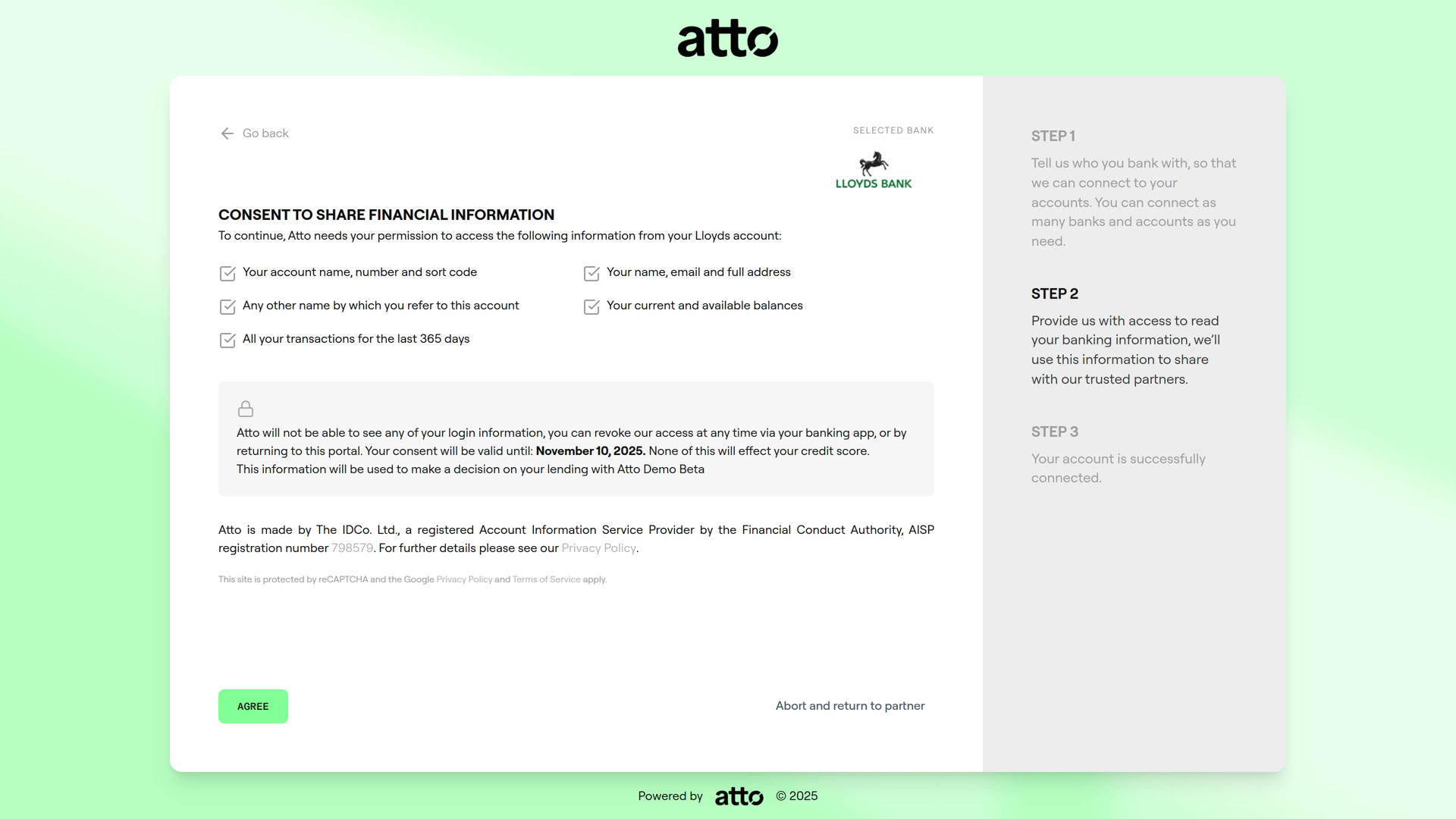
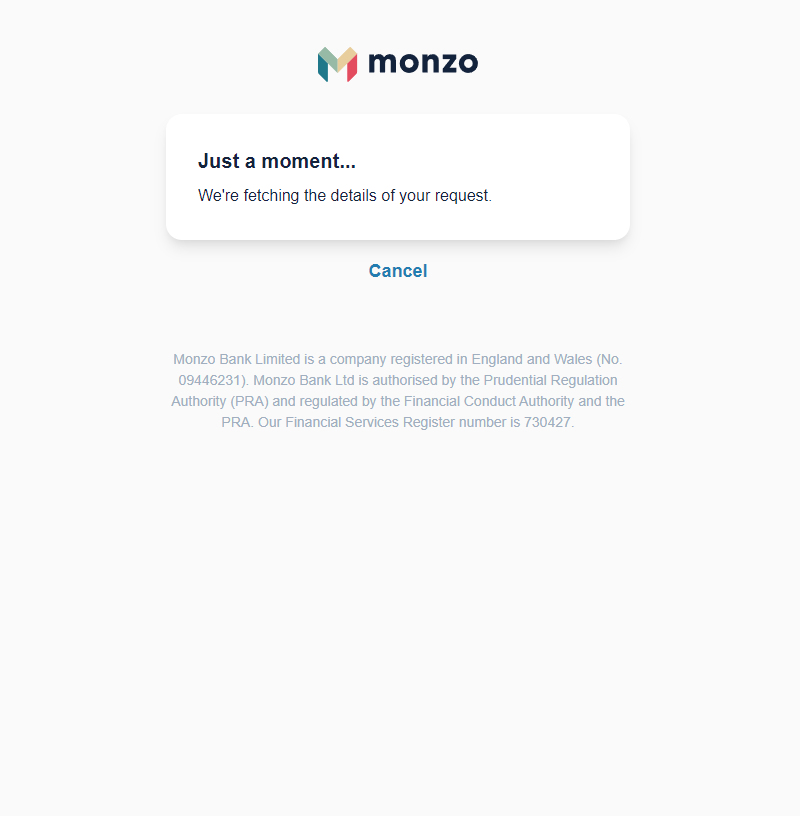
User is redirected to their bank where they will authorize the access:
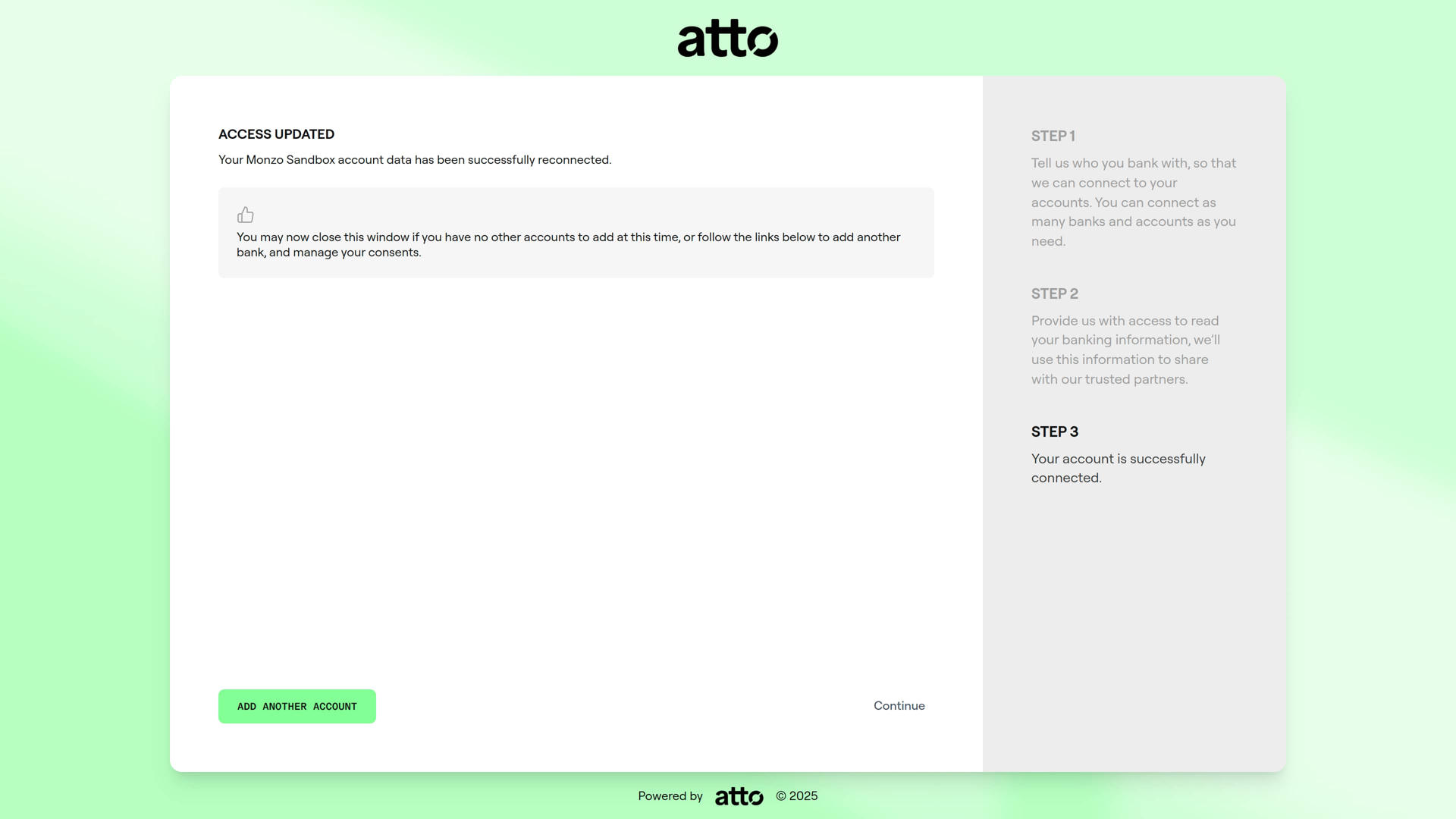
If authorization was successful, user is redirected back to Connect:
The user may be required to re-select their accounts during the reauthentication flow. This will only be applicable after their consent has been marked as Revoked by calling the Revoke Consent API.
Atto dispatches Webhook evenType : Consent when the journey finishes. consentJourney value is set to Reauthentication. Once the journey finishes and a notification is received indicating success, you may resume fetching the data from the APIs.